Time Blocking for Remote Workers: A Weekly Calendar Template
Time blocking for remote workers works when the calendar protects focused work, groups meetings, and leaves enough buffer for a week that changes.

AI went from party trick to everyday tool faster than almost anything else in tech. If you work remotely, it can genuinely save you hours a week. It can also waste your time, embarrass you, or leak something you didn't mean to share. The trick is knowing which is which. Here's where AI actually earns its keep for remote work, where it doesn't, and how to use it without creating a mess.
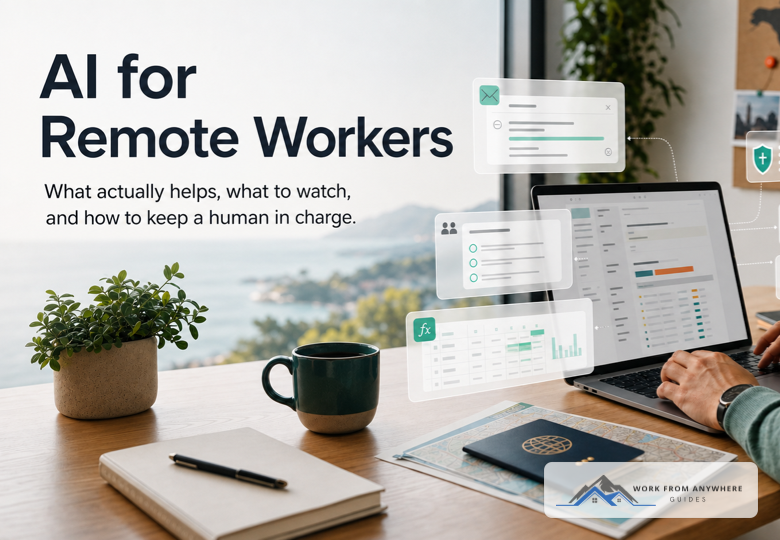
The clearest win is beating the blank page. Ask it for a first draft of an email, a doc outline, or a status update, then edit it into something you'd actually send. Don't ship what it hands you.
It's also good at shrinking the firehose: dump in a long thread, a PDF, or a meeting transcript and ask for the three things that actually matter and who owns what next. That alone can save you the fifteen minutes you'd spend re-reading everything.
Then there's the boring technical stuff nobody wants to do by hand: a gnarly spreadsheet formula, a regex you'd otherwise Google for twenty minutes, cleaning up a messy CSV. And if you work across time zones or languages, it's a solid first pass for tone and translation, catching things that would otherwise come across too blunt or too casual.
The biggest risk is trusting it too much. AI invents facts, numbers, and sources with total confidence. If your name is going on something, check it yourself before it goes out.
The second risk is spending more time steering the AI than it would have taken to just do the task. If you're on your fifth prompt trying to get a two-line email right, stop and write the two lines.
And watch for generic AI sludge: the kind of writing that sounds fine but says nothing and reads like nobody in particular wrote it. Readers notice, and it costs you credibility.
Treat anything you paste into a public AI tool like you handed it to a stranger. That means no customer records, no passwords, no unreleased plans, nothing under an NDA. Use whatever tool your company has actually approved, and check the policy before you assume a tool is fine to use.
Let AI handle the boring 80 percent. You handle the 20 percent that needs judgment. Draft, verify, personalize, in that order, and keep a human in charge of anything that actually ships.
AI is a good assistant and a terrible boss. Point it at the busywork and it gives you back real hours. Just keep your hand on the wheel: check what it tells you, keep your own voice, and never hand it data you wouldn't hand a stranger.



Time blocking for remote workers works when the calendar protects focused work, groups meetings, and leaves enough buffer for a week that changes.
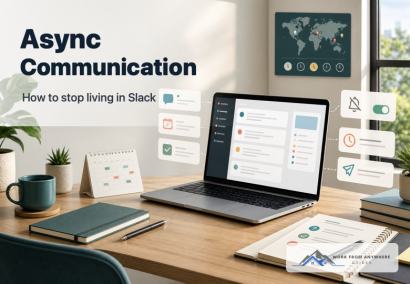
Async communication should help remote teams protect focus, make decisions clearer, and stop treating every Slack message like an emergency.

Time management for remote workers works best when your day has clear priorities, focused work blocks, realistic breaks, and a firm shutdown time.
Leave a Reply
Comments